The role
My role as Design System Lead at Interactive Investor spanned the management and evolution of the Design System from V1 to V2, implementation of new ways of working, and the building of a dedicated Design System team to handle the creation and maintenance of Design System assets.
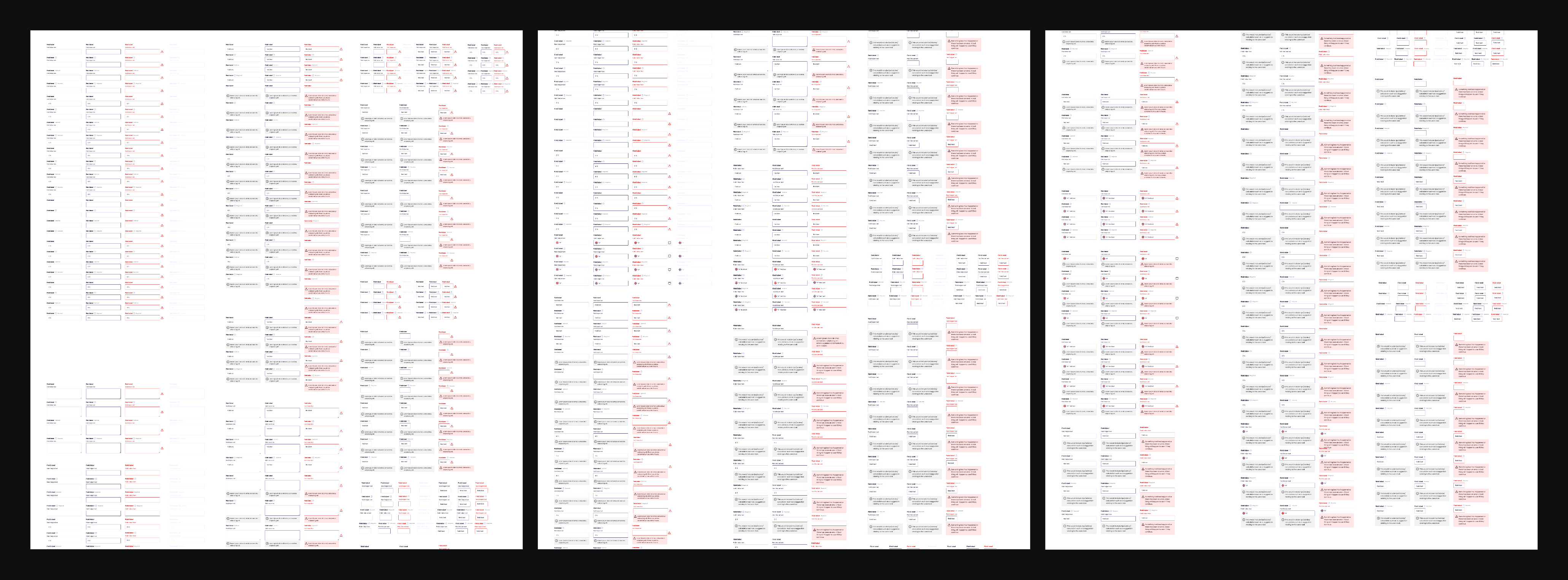
When I started, the Figma Design System was in poor shape, with components built years ago not benefitting from recent Figma features to streamline them. This resulted in many more variants than necessary and pain maintaining the library.
Component pages had poor or no documentation, and were used as work-in-progress files by the whole team, with anyone being able to contribute or edit assets. There was also no dedicated team responsible for maintaining Storybook to keep it in line with Figma.
This led to a growing level of disparity between Design and Development, as Figma asset updates were rarely reflected in their coded counterparts, resulting in friction between Design and Development on the single source of truth.
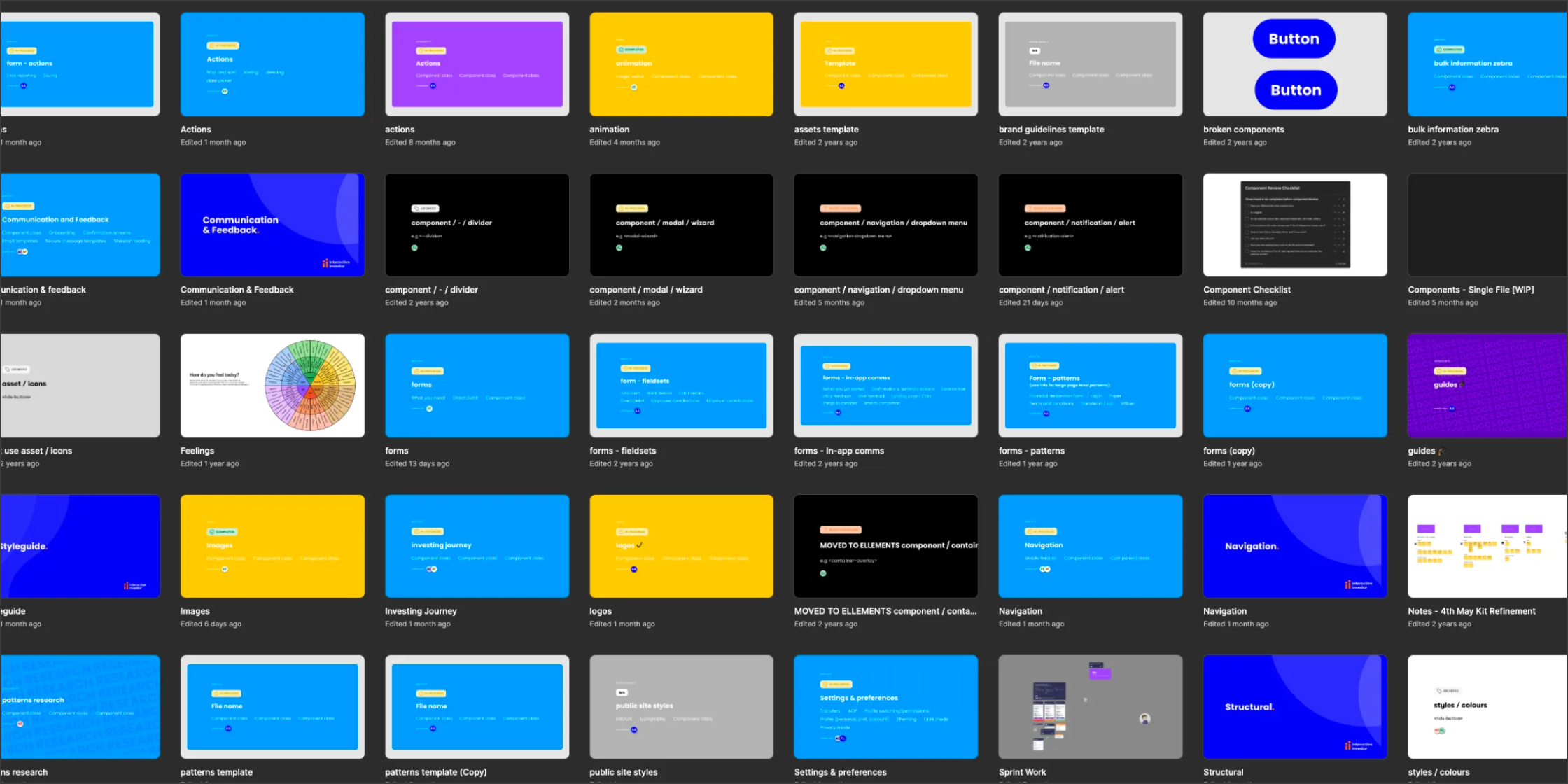
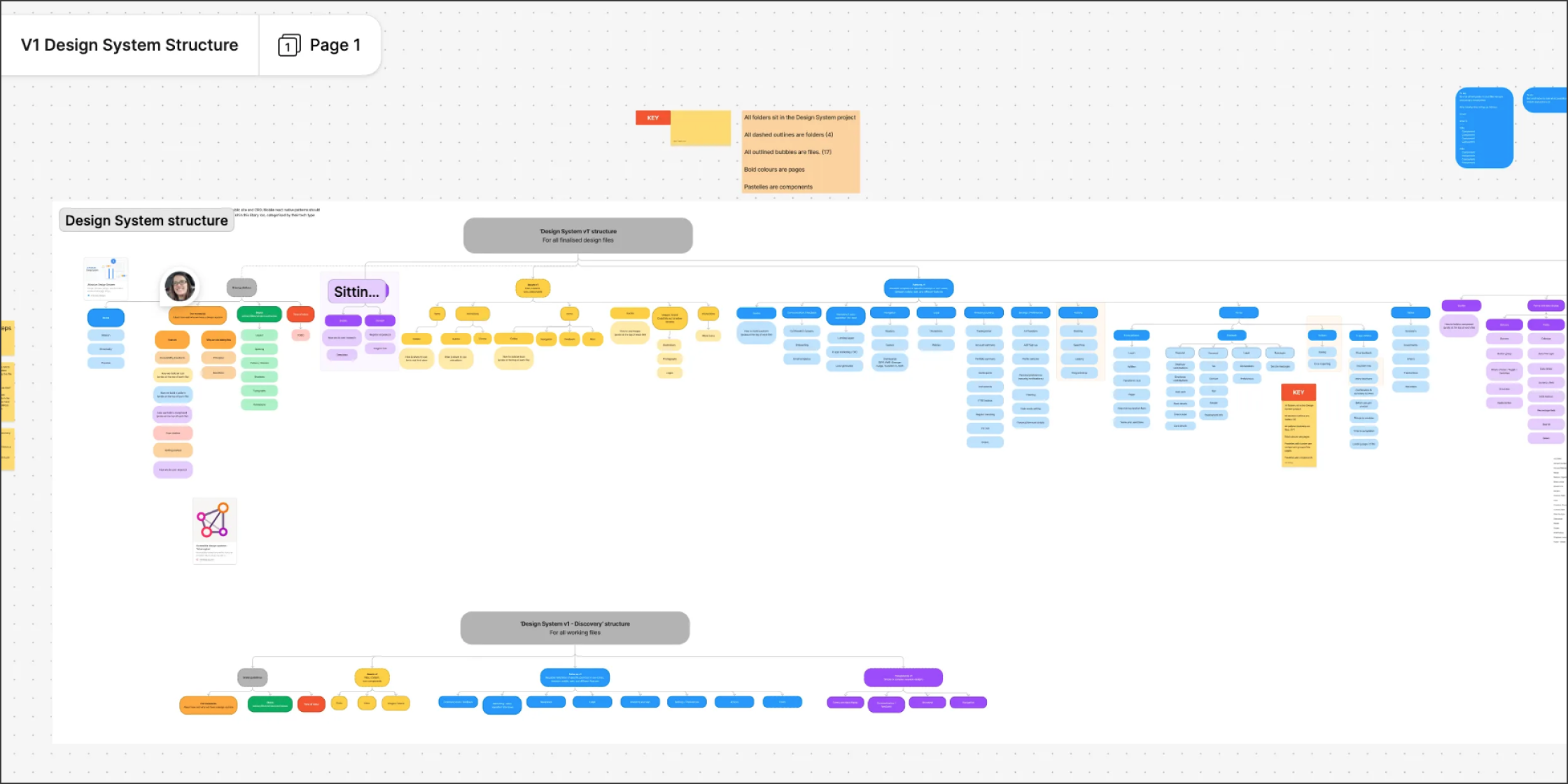
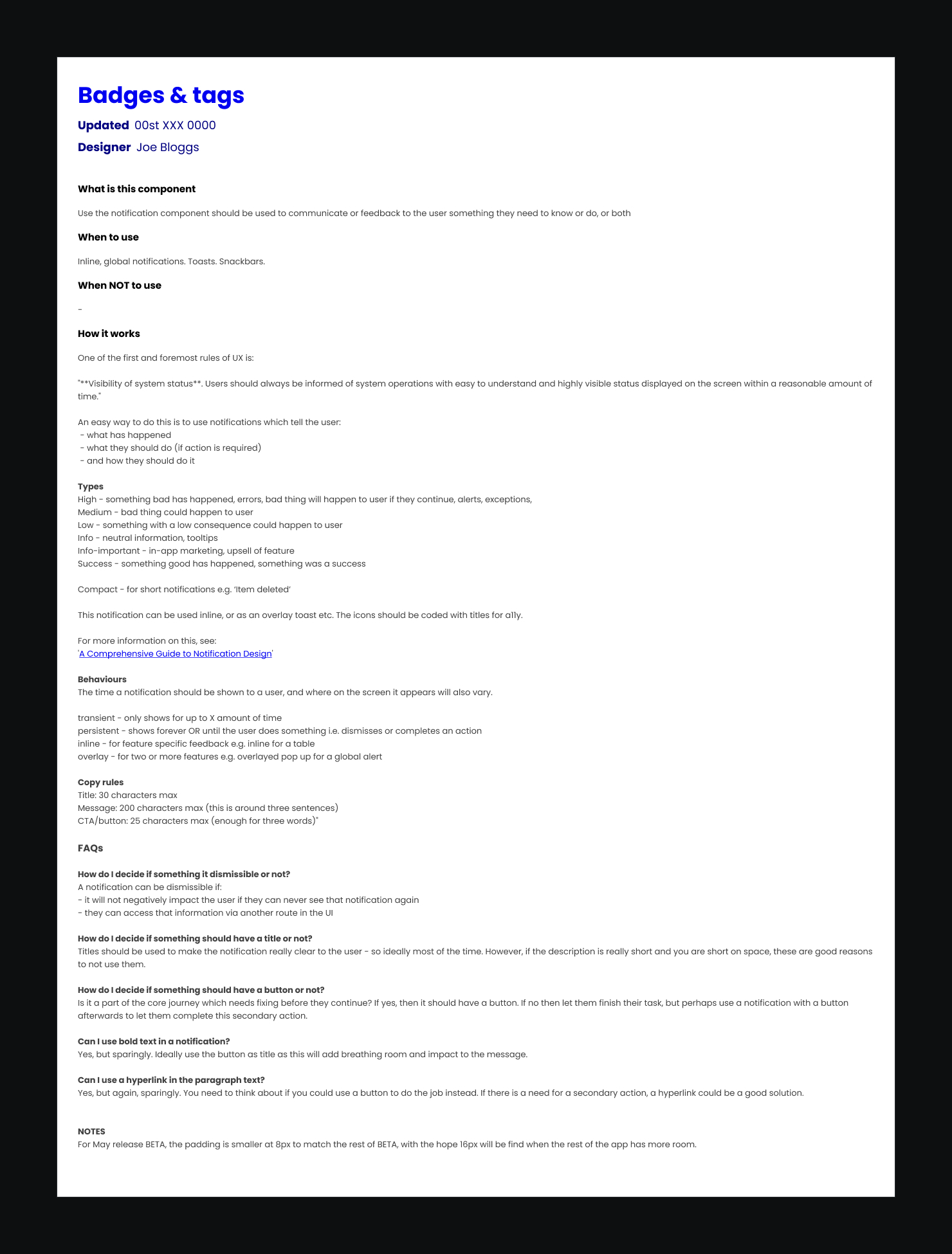
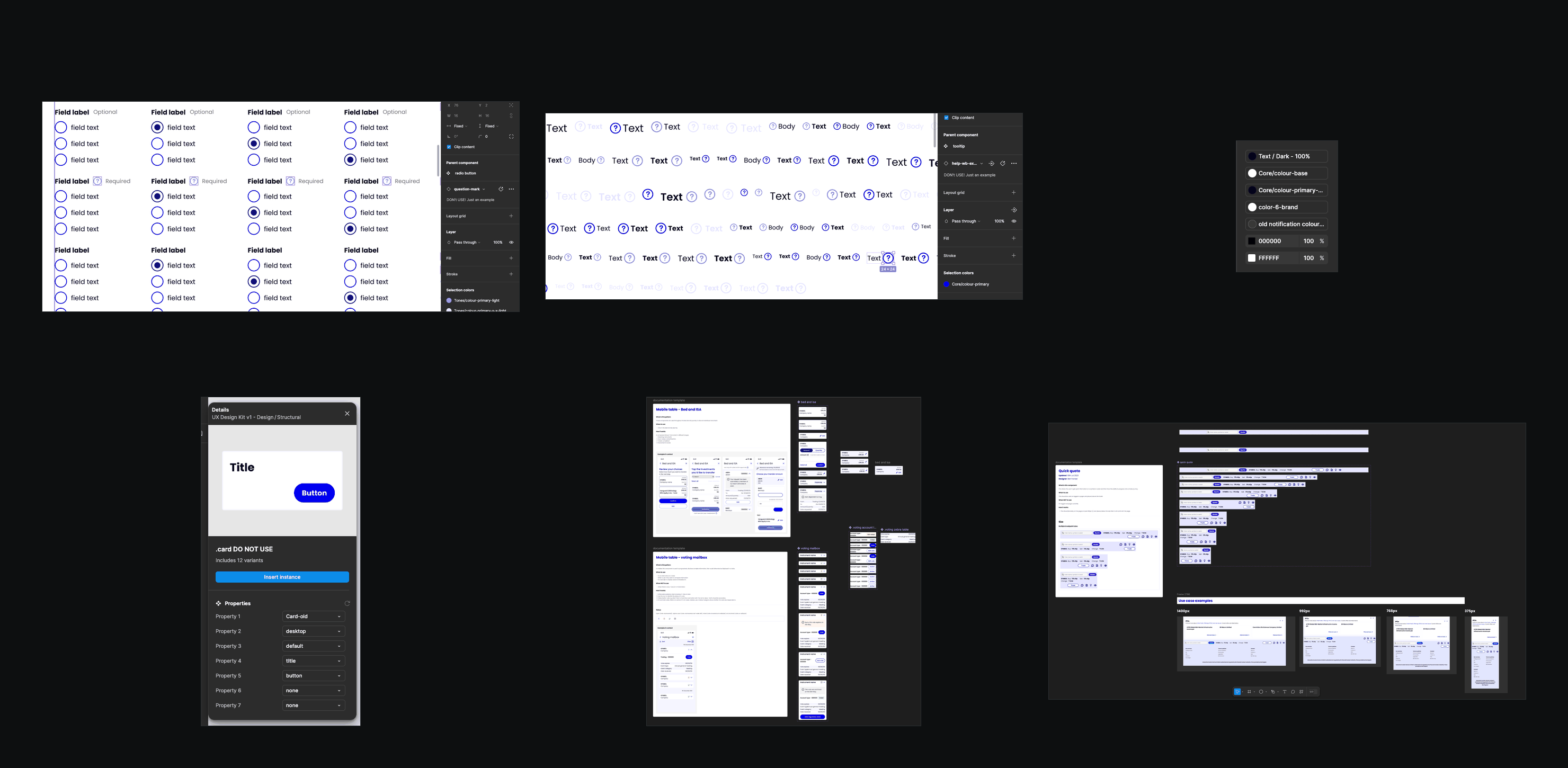
Finding things was only the start. The documentation for each component, when it existed, didn’t help designers use the library consistently, and the components themselves had been built in very different ways by different people. Below is the Badge documentation, a single Input component with 897 physical variants, and a sample of the component builds.
Goals
It was also clear that designers were struggling to navigate the Design System, and this resulted in low adoption, excessive questions, and uncertainty over the contents of the system.
When designers eventually did find what they wanted, the component either had no documentation, little documentation, or generic documentation copied from the web.
I started by running workshops with the team to find their pain points, and how they thought the Design System could make their lives easier rather than harder. In their own words:
“I struggle to find things”
“Bit of trial and error trying to find things I need”
“Organisation of the components doesn’t make sense fully”
“Overwhelming. My head hurt when I first tried to use it”
“Pages are messy”
“Some pages are just empty”
“Categories are not helpful for teams outside of design”
“Lack of consistency e.g. icons/illustrations”
“No time to upkeep”
“So many buttons with no labels, unsure when I should use any button”
“I have to explore different files to find something specific”
“Alignment of the components isn’t updated”
“It isn’t searchable for people to find what they need in an easy and efficient manner”
“We don’t know the state of each component, i.e. has it been built, is it live, is it a WIP by design”
“Difficult for people who are unfamiliar with the design system to understand”
“Tough to understand what I’m looking at sometimes as there is no explanation of what is on the page”
The common theme was that the Design System was making it harder for the team to design quickly, efficiently and consistently: all the things a good Design System should do the opposite of.
Simplify the structure of the Design System to make it easier to navigate.
Enable designers to self-serve through detailed component guidance documentation.
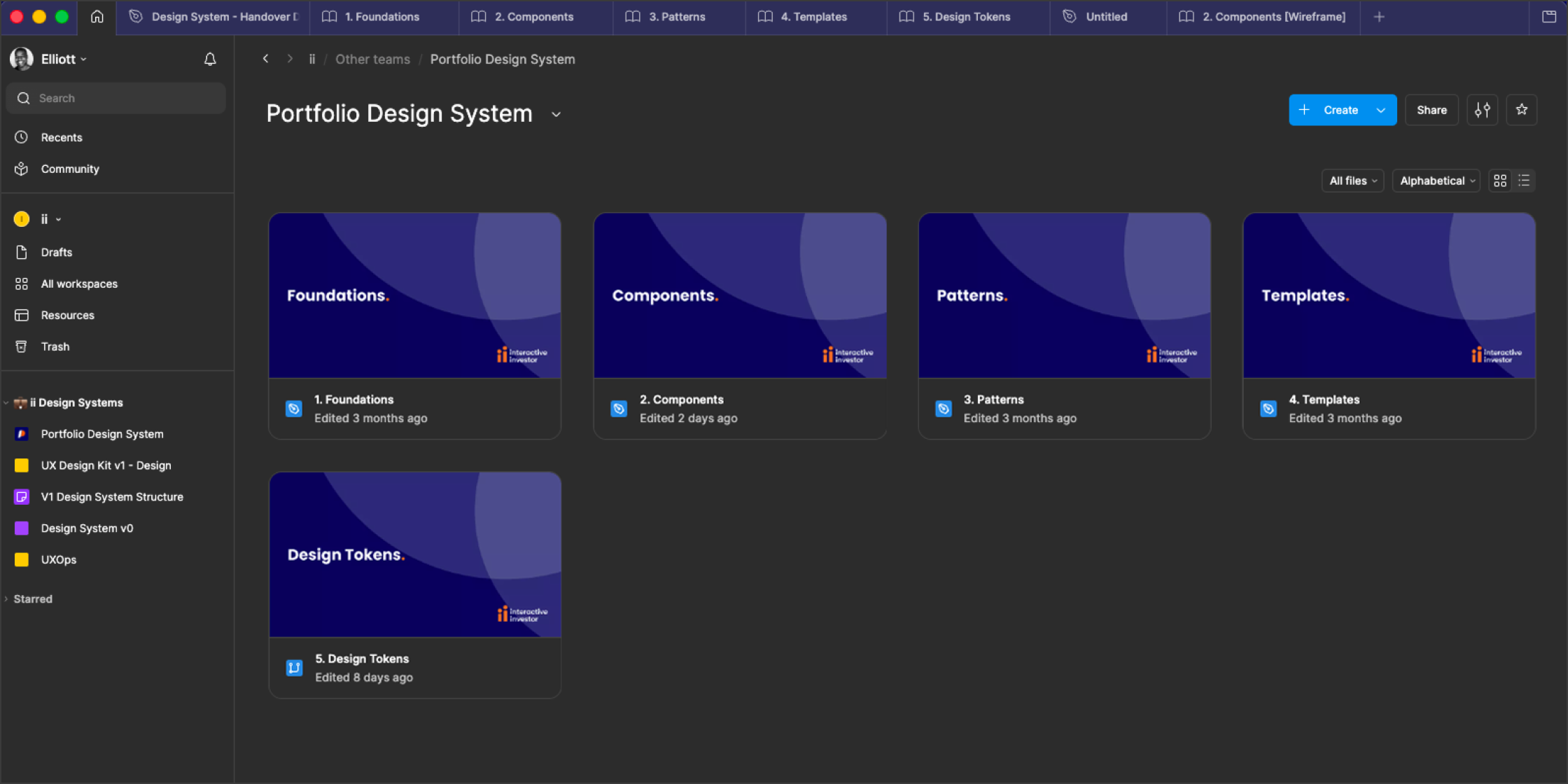
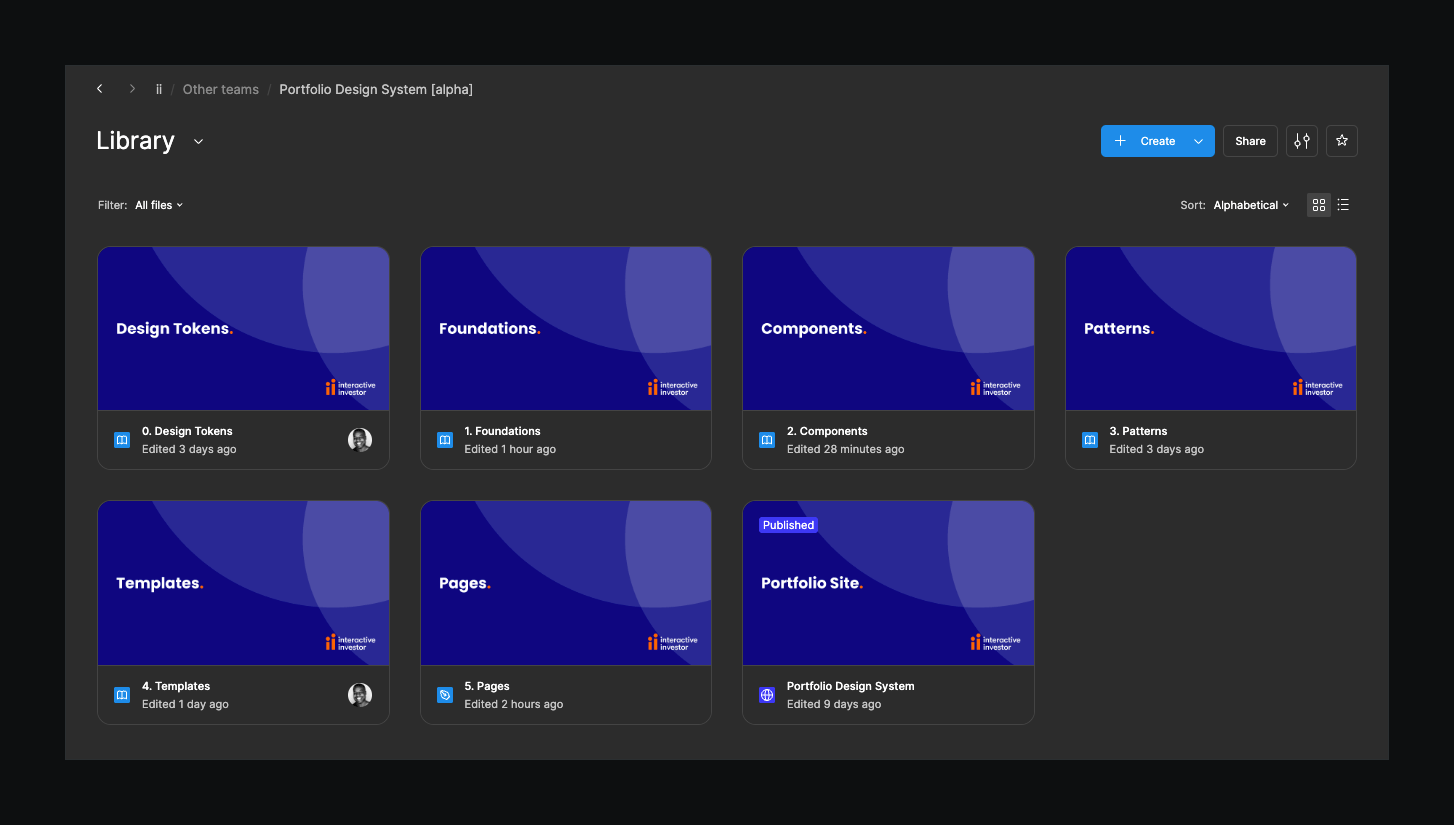
Simplifying the structure of the Design System, archiving unused files, and collating components into a single file not only helped make it easier to maintain the Design System, but more importantly helped its users navigate it with ease.
Increase the touchpoints
3 cadencesIt was clear that due to no dedicated management of the Design System, there was no-one in charge of assessing what improvements could be made to the system.
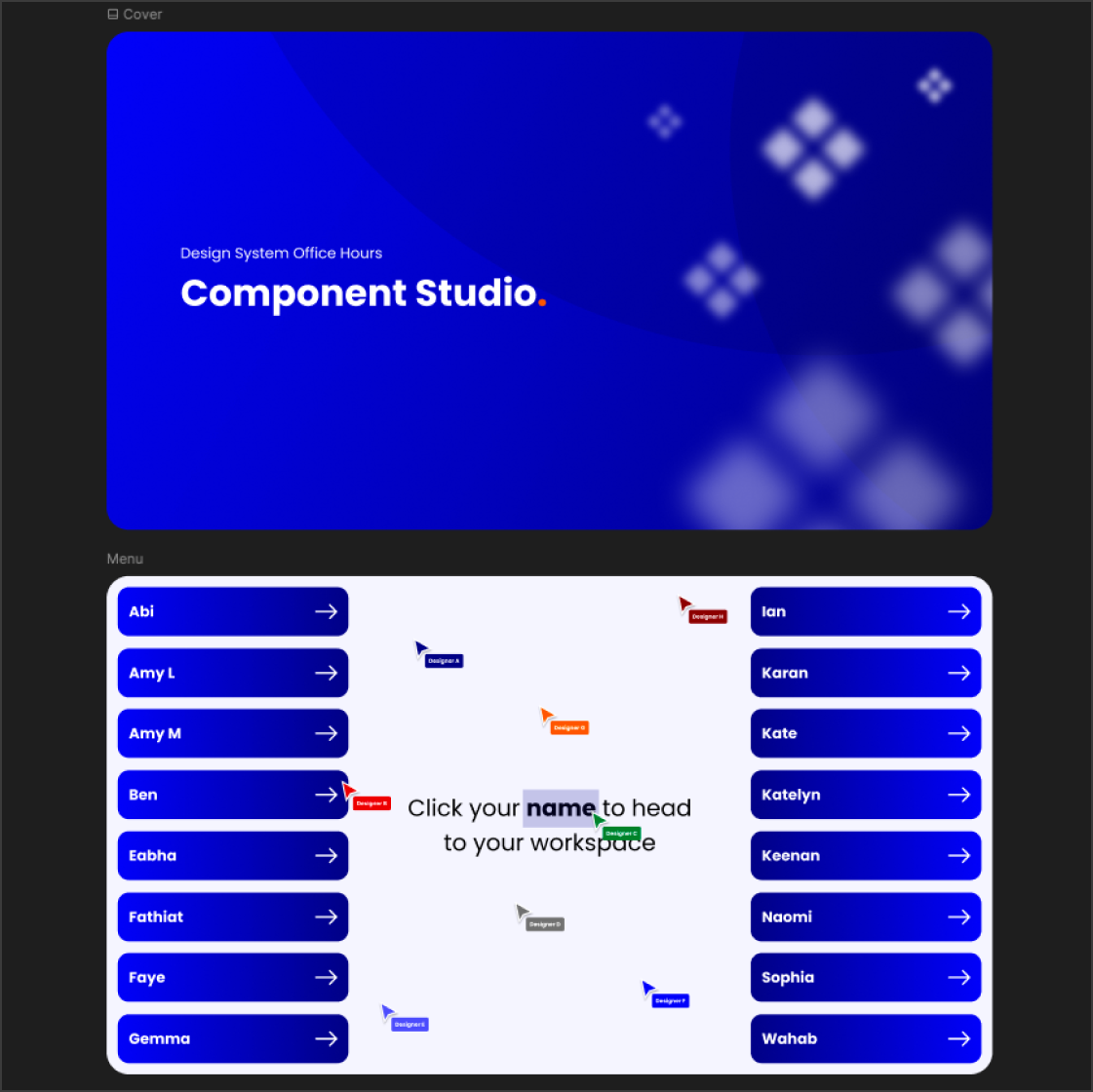
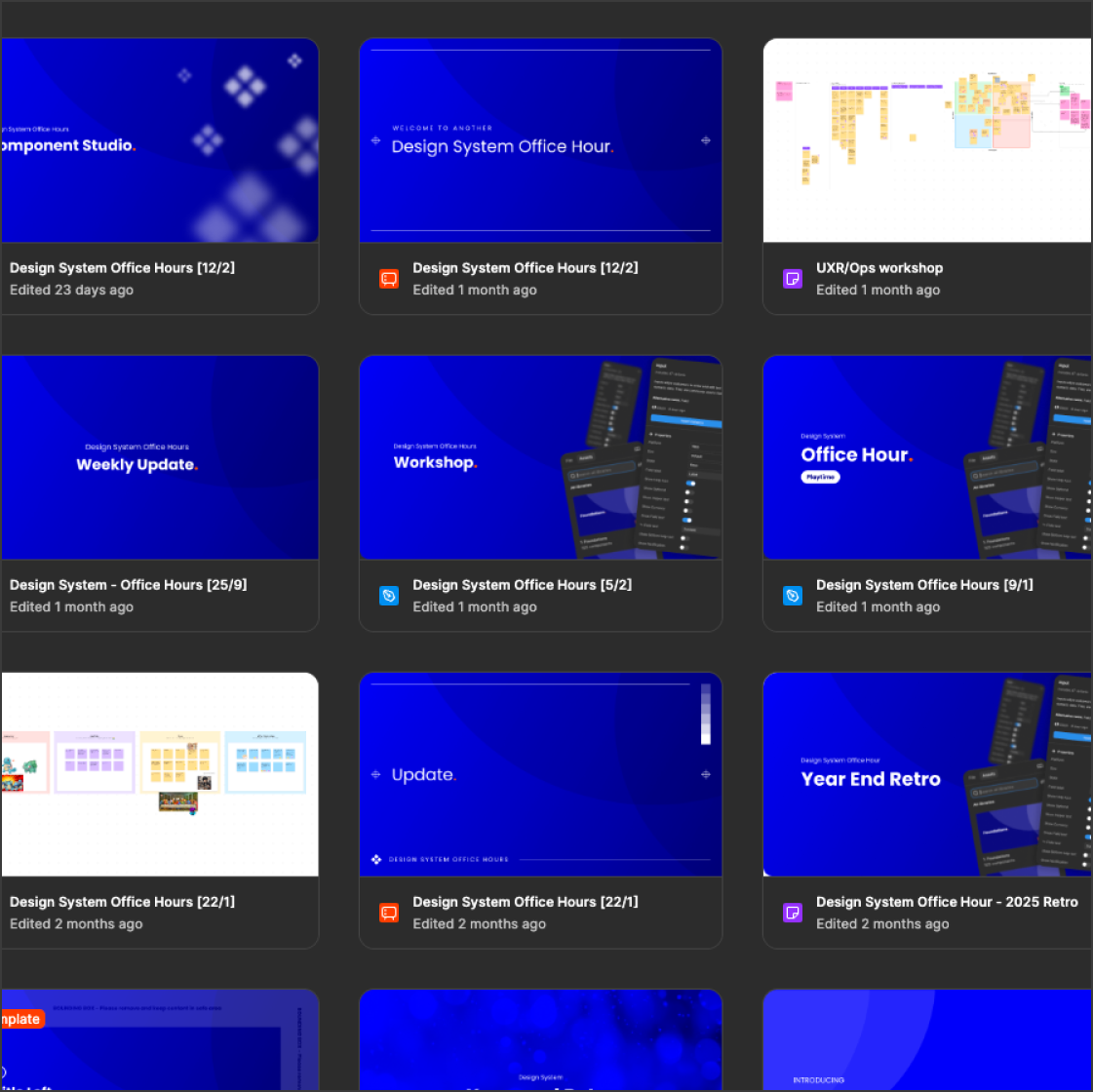
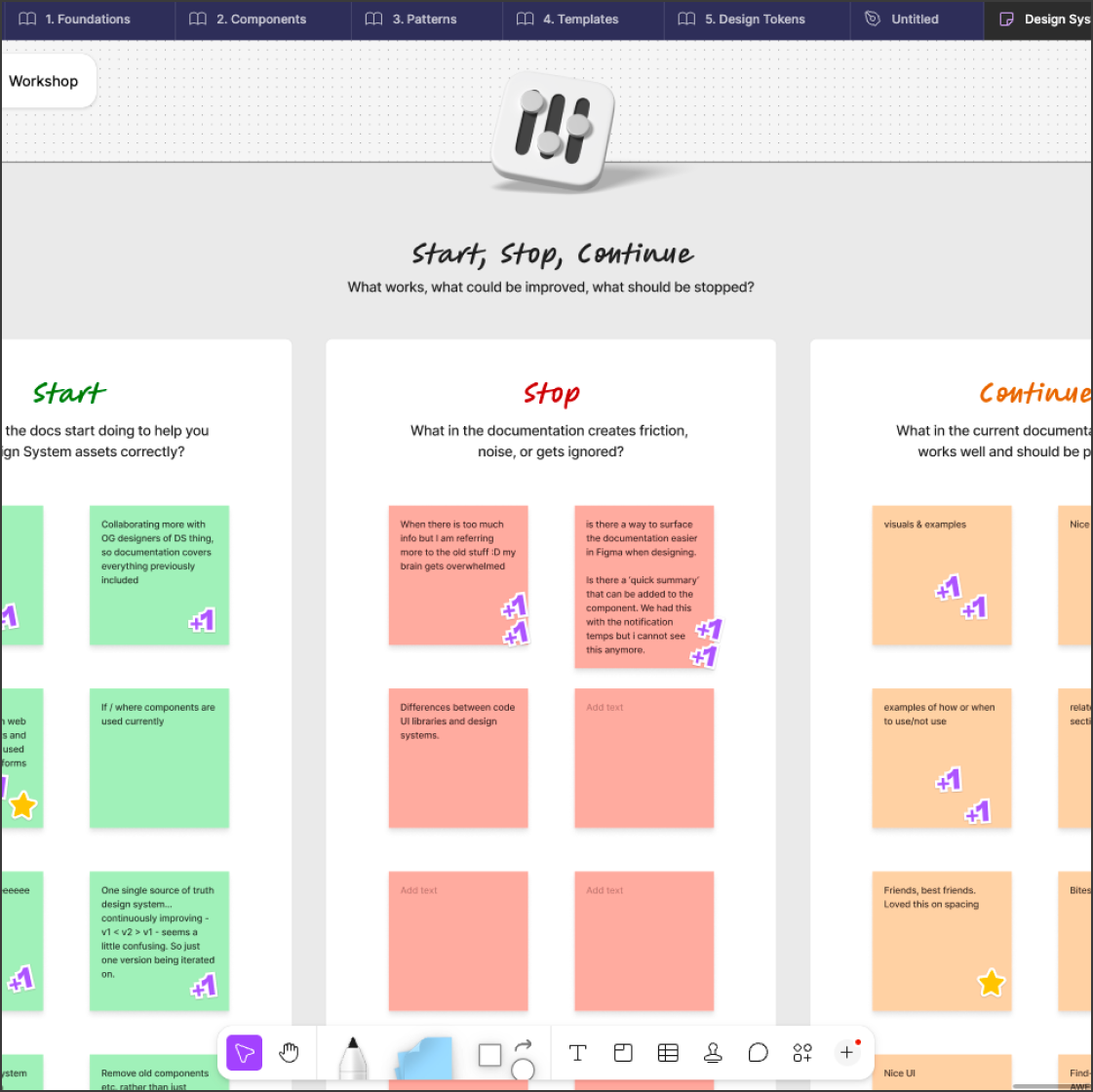
To change this, I set multiple touchpoints for the team to provide feedback. These ranged from weekly Design System Office Hours sessions, to regular workshops to help designers use assets correctly, and quarterly retros for more detailed analysis on ways to make the Design System work for the people using it.
Rebuild from scratch
The main part of my role was building the new Design System from scratch. A clean start, not hindered by the fact that the team were using V1 was the best approach, allowing me to build it in a secure, protected environment, conduct tests to improve component builds, and provide assets to the Design System Engineers to build before releasing them for consumption.
Simplify component builds
Utilising the latest Figma features and efficient usage of booleans and properties, I drastically reduced the amount of component variants while maintaining all possible variations.
Quantifying efficiency gains
To prove the value of the rebuilt components, I ran multiple tests with the designers to quantify the productivity gains from using more streamlined Design System assets.
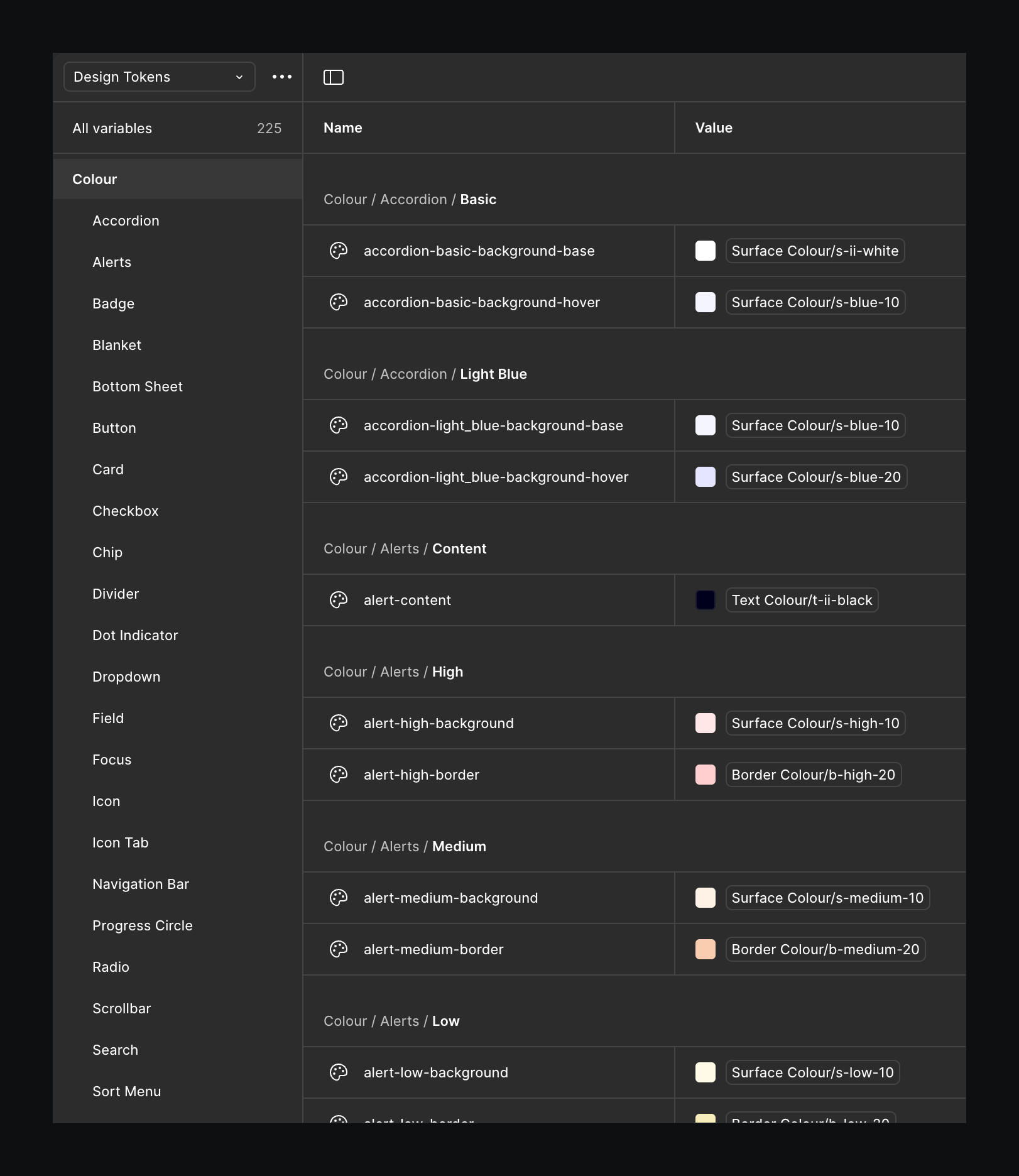
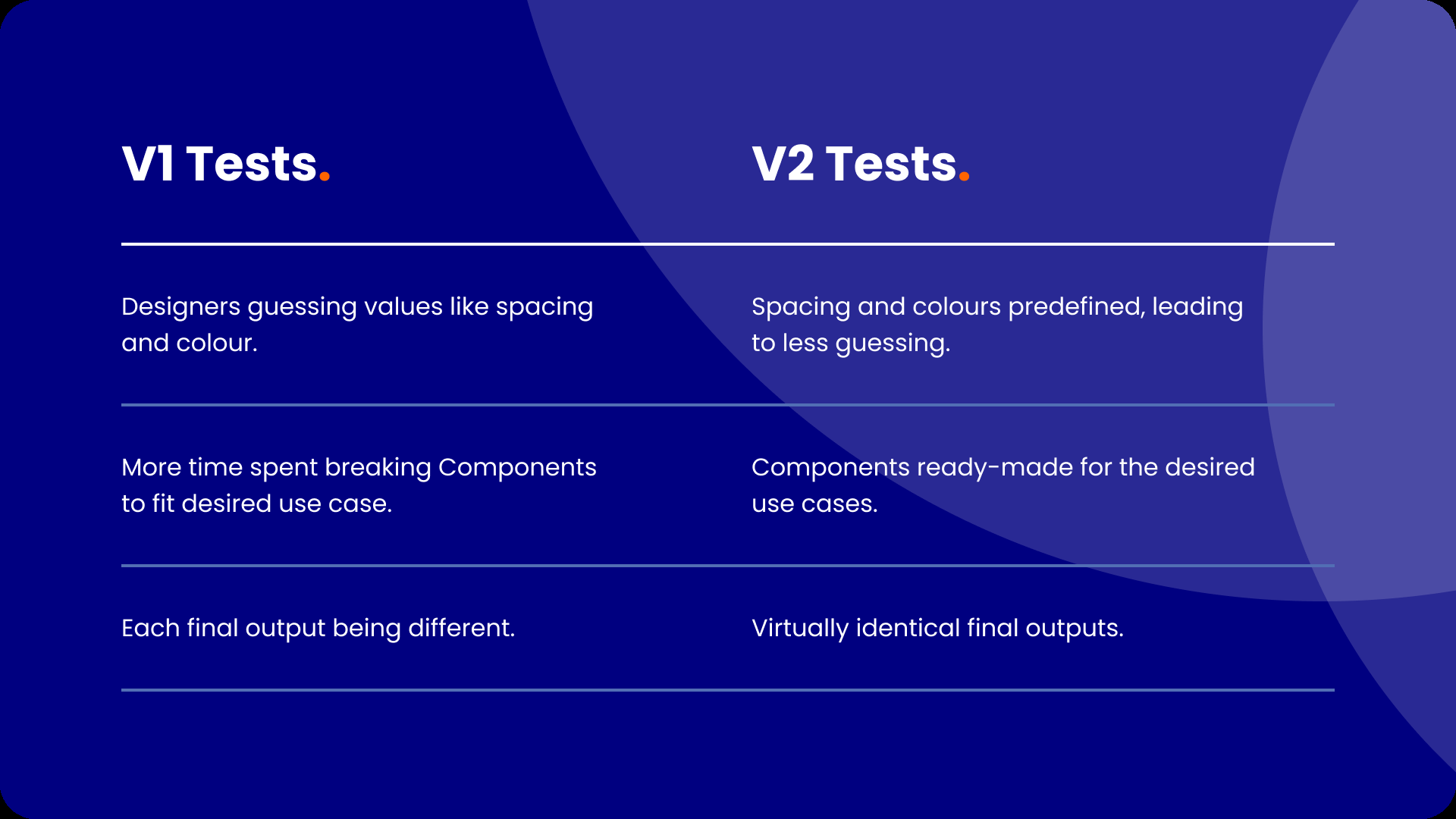
Tokens. The previous Design System didn’t use tokens, so each designer had nearly free rein to use any colour style or type in their own spacing and radius values. Tokens for every asset gave clear guidance on what to use when, made the team’s output more consistent, and meant a future change was one value updated everywhere.
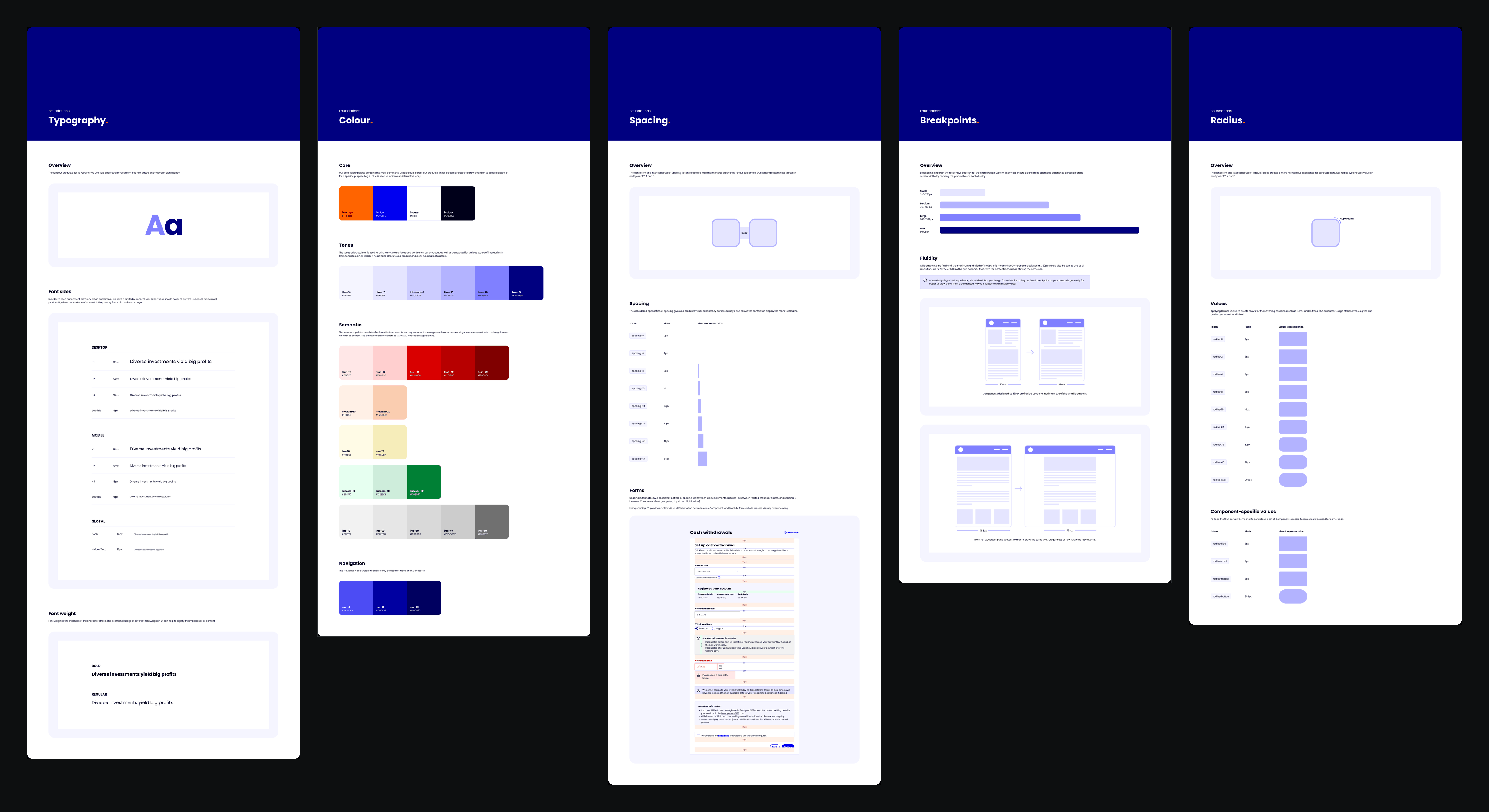
Foundations. The old foundations had icons in different thicknesses and styles, colours that were visually almost identical, no mobile web type scale and little guidance on breakpoints. I stripped the colours back to the essentials, replaced the icon library with the Nucleo UI Essentials set, added guidance on designing fluidly across breakpoints, and built a new type scale that includes mobile web sizes. Each foundation has its own documentation page; open the panel to read them.
Simpler components, nothing lost
The existing components had been built by different people, with no shared approach to properties or naming, and without using booleans, so they carried far too many physical variants.
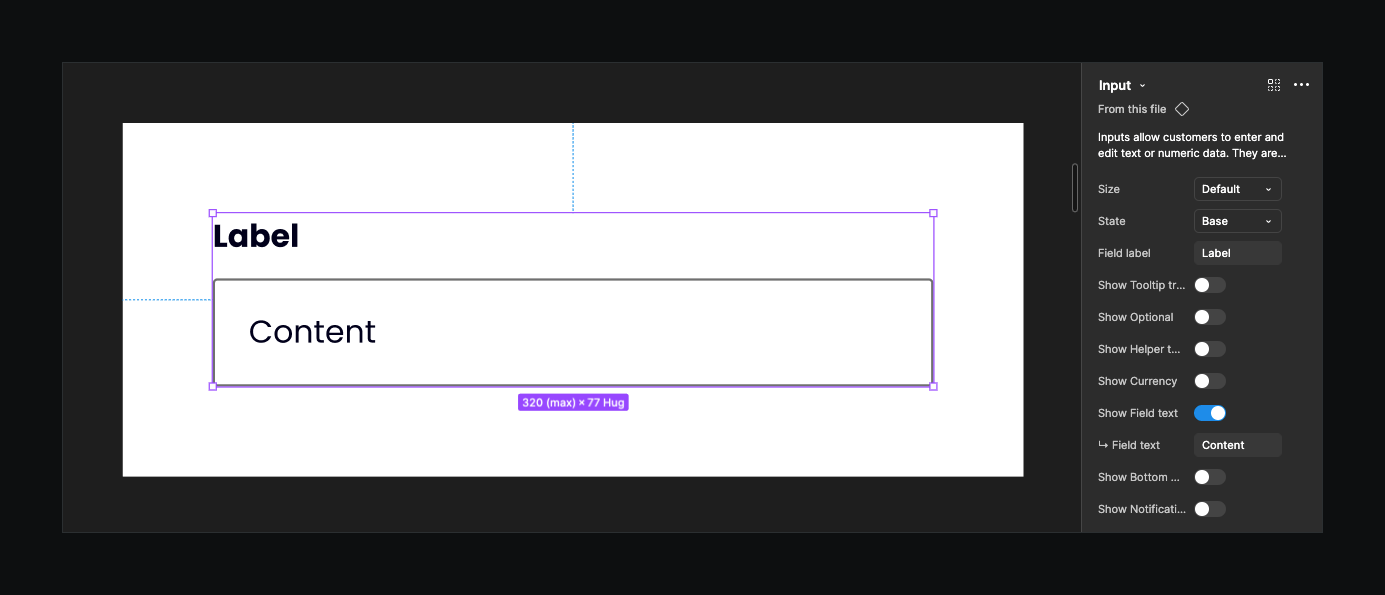
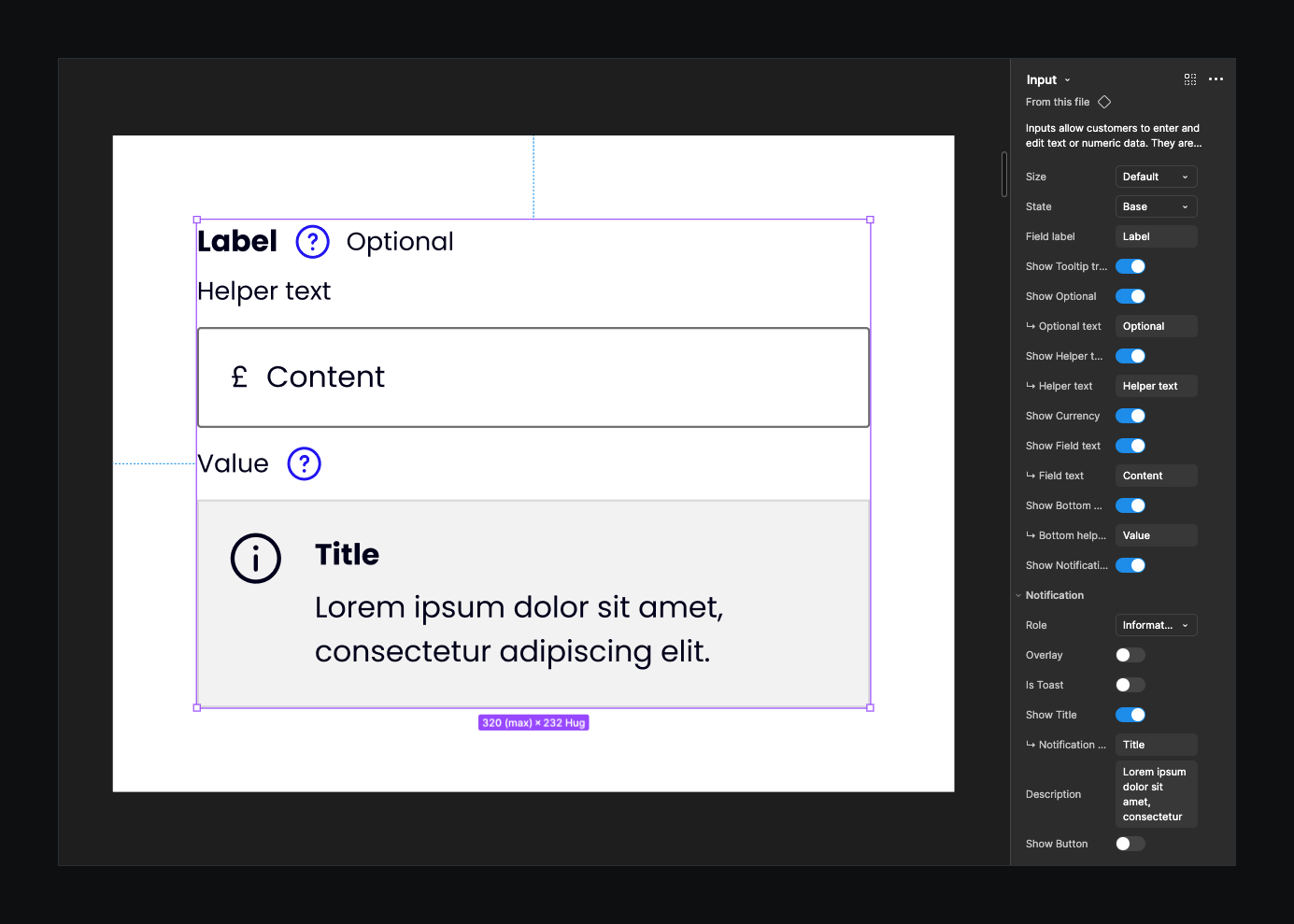
I rebuilt every component from the ground up, so that every variant a designer needed was still there through the properties panel, but far fewer were built physically. Fewer physical variants made the pages less overwhelming and made every update quicker: a change no longer meant hours editing endless variants, and publishing became much faster.
897 to 18
Every one of the 897 combinations can still be made from the 18, through booleans and properties.
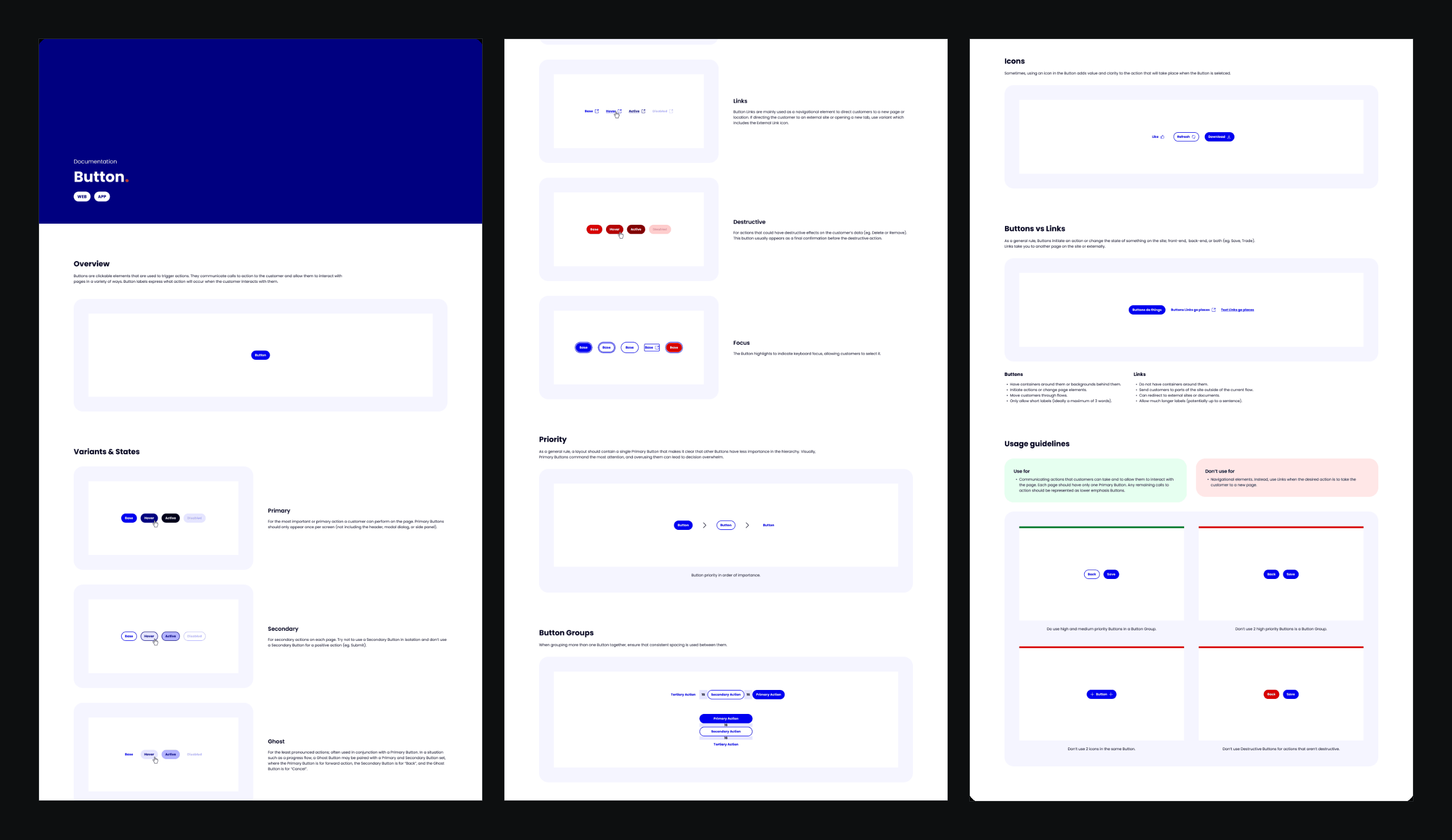
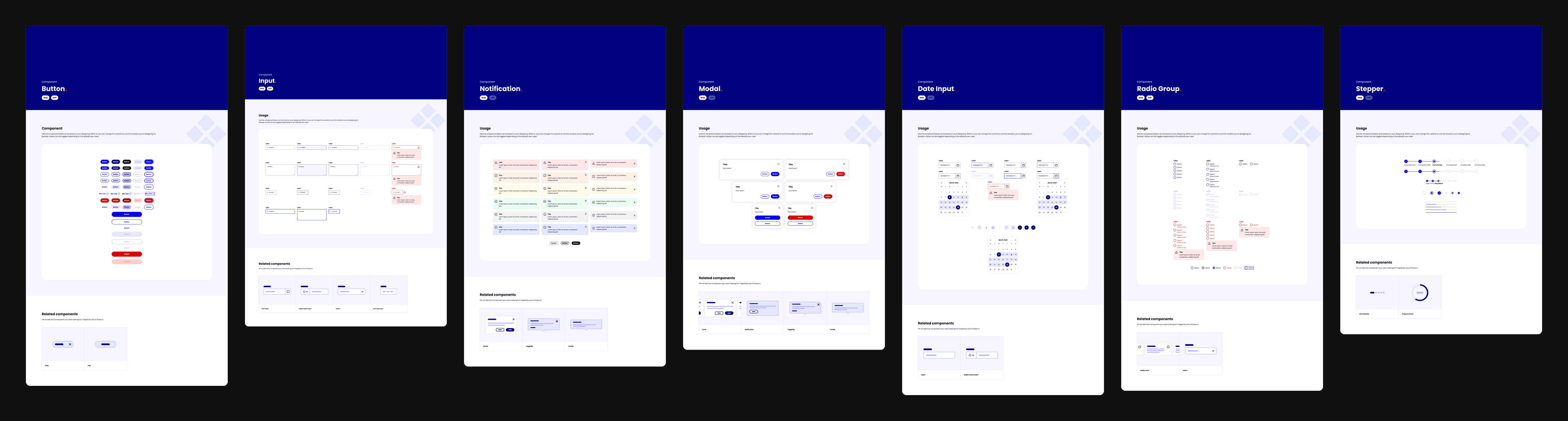
Every component also got a page in the library showing the component and its related components, alongside documentation like the Button page above, so designers knew how to use it correctly. That made the team’s output more consistent again. Open the panel to step through the pages.
Patterns and templates
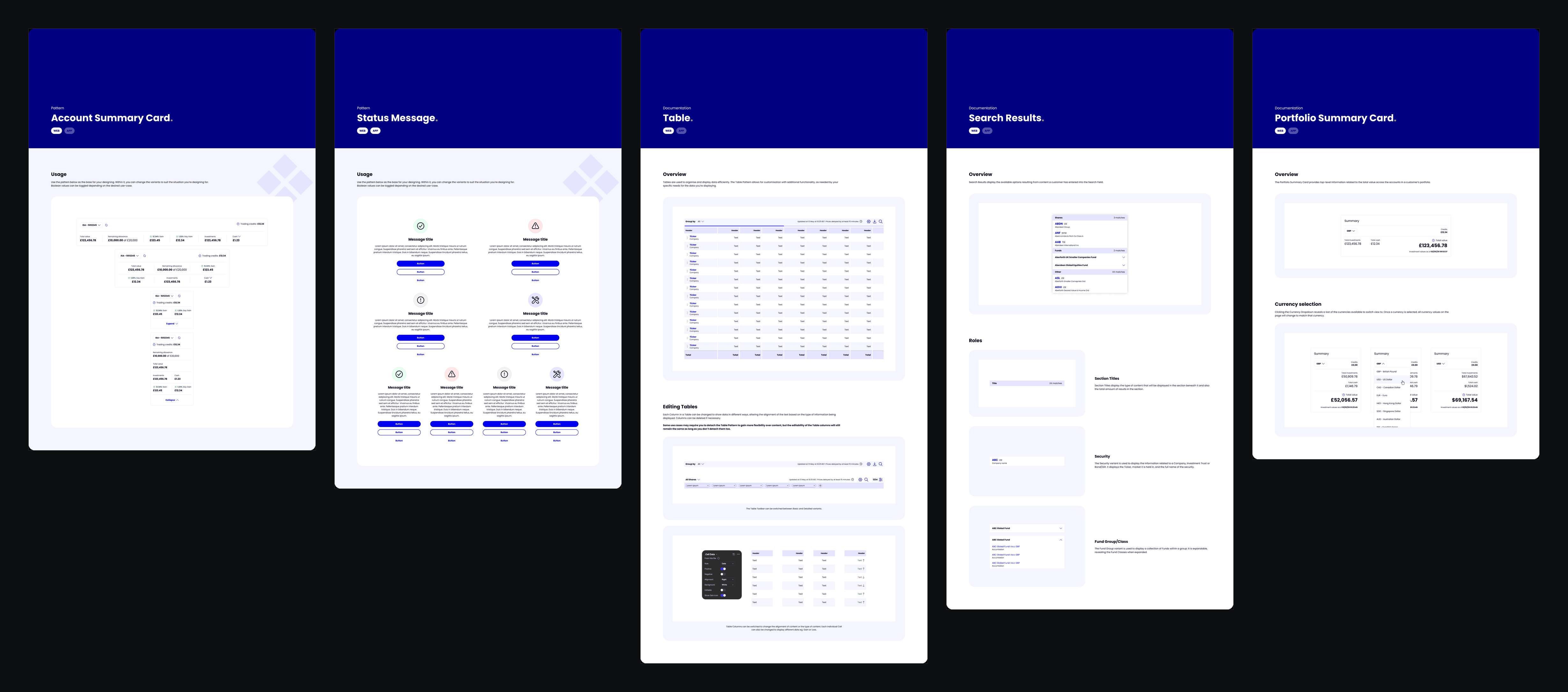
Patterns followed the same approach as components: each one rebuilt completely, with documentation to guide how it’s used. Before, there was no clear line between a component and a pattern; patterns were assumed to be just complicated combinations of components.
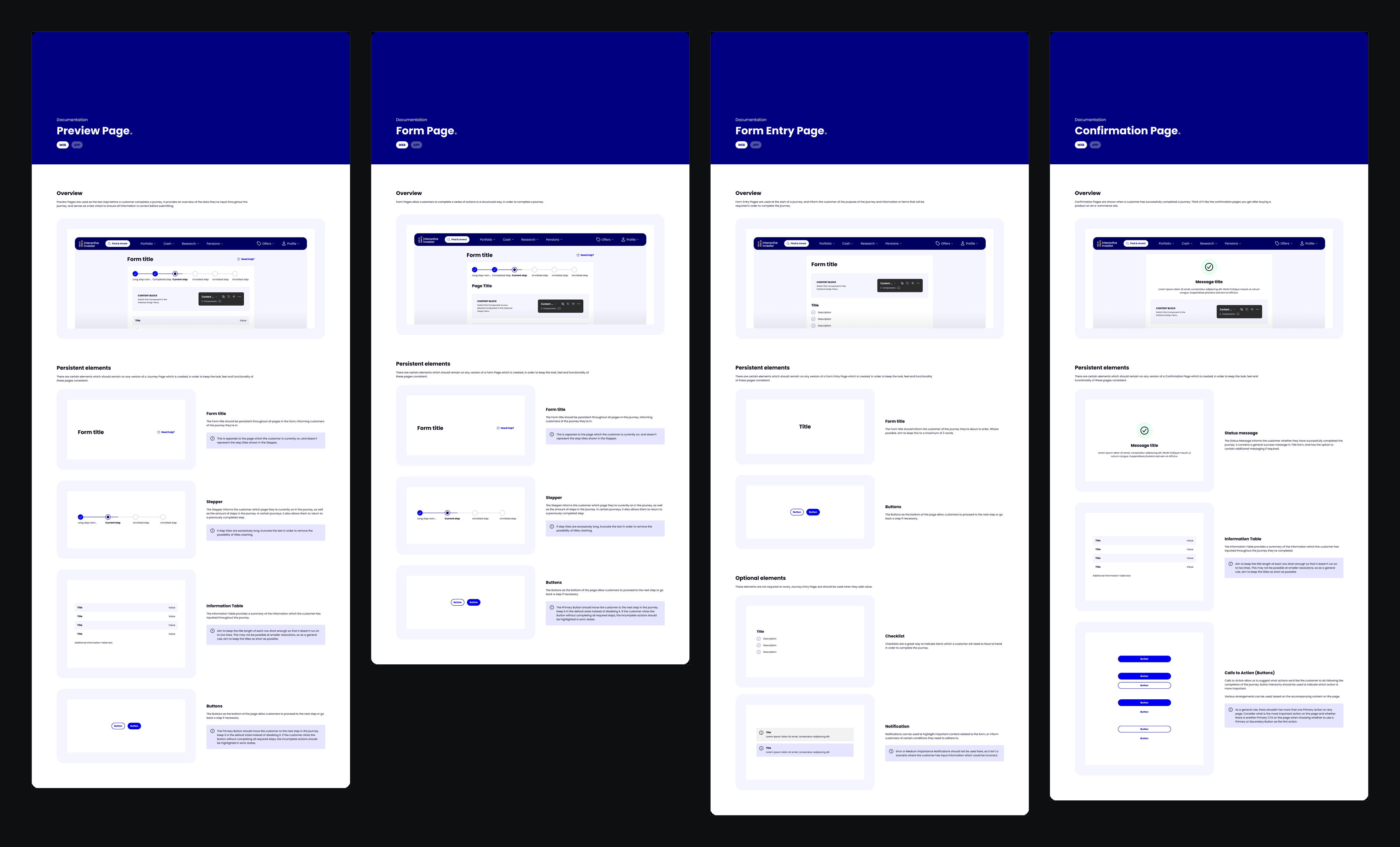
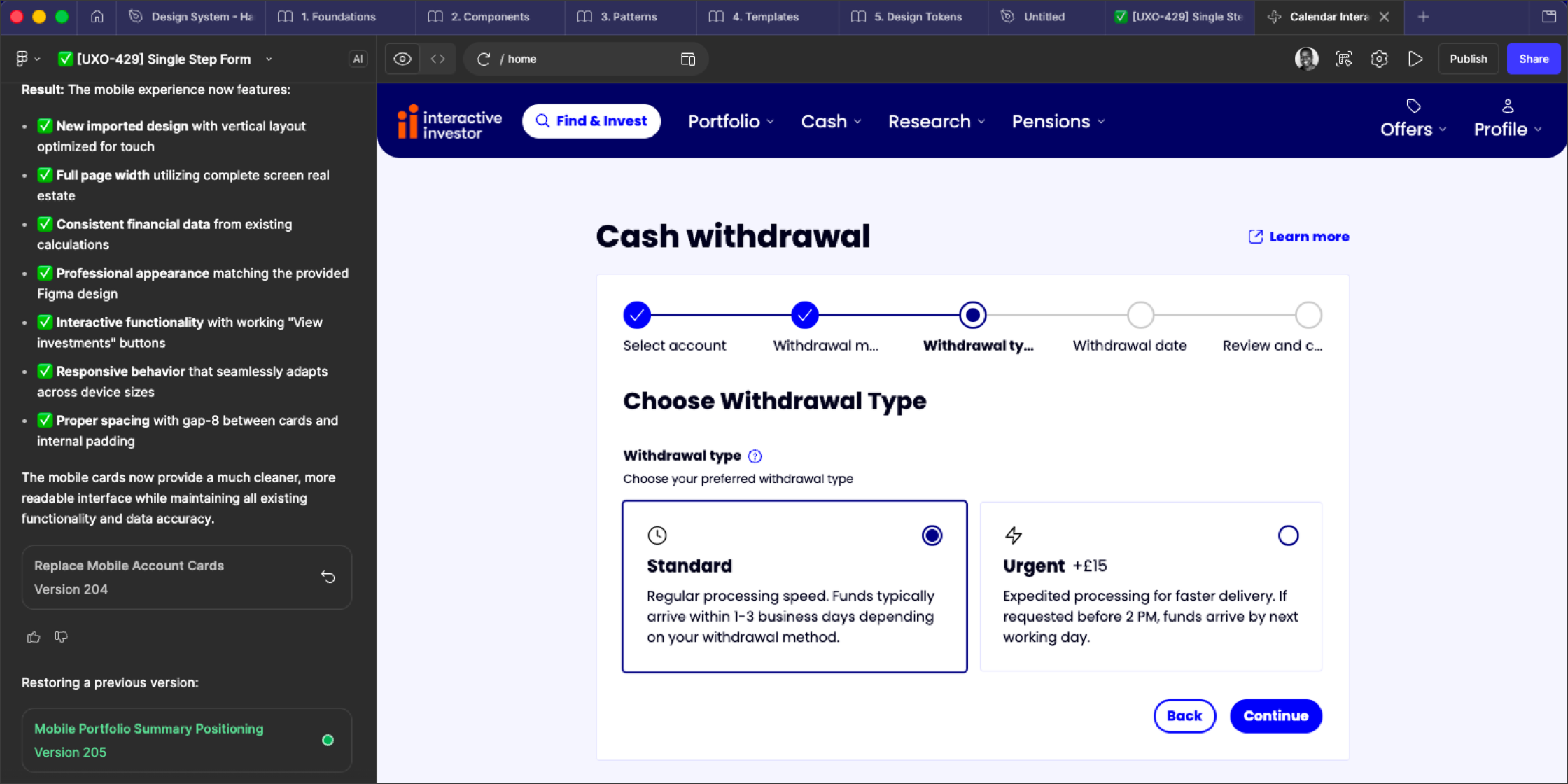
Templates. Much of the logged-in Interactive Investor site is forms, and designers had no templates to work from, so spacing and the position of things like buttons varied from page to page. I built templates of each major page as components, with the spacing and positions already set. Designers could build a page from scratch far faster, and the end results were much more consistent.
Proving the gains
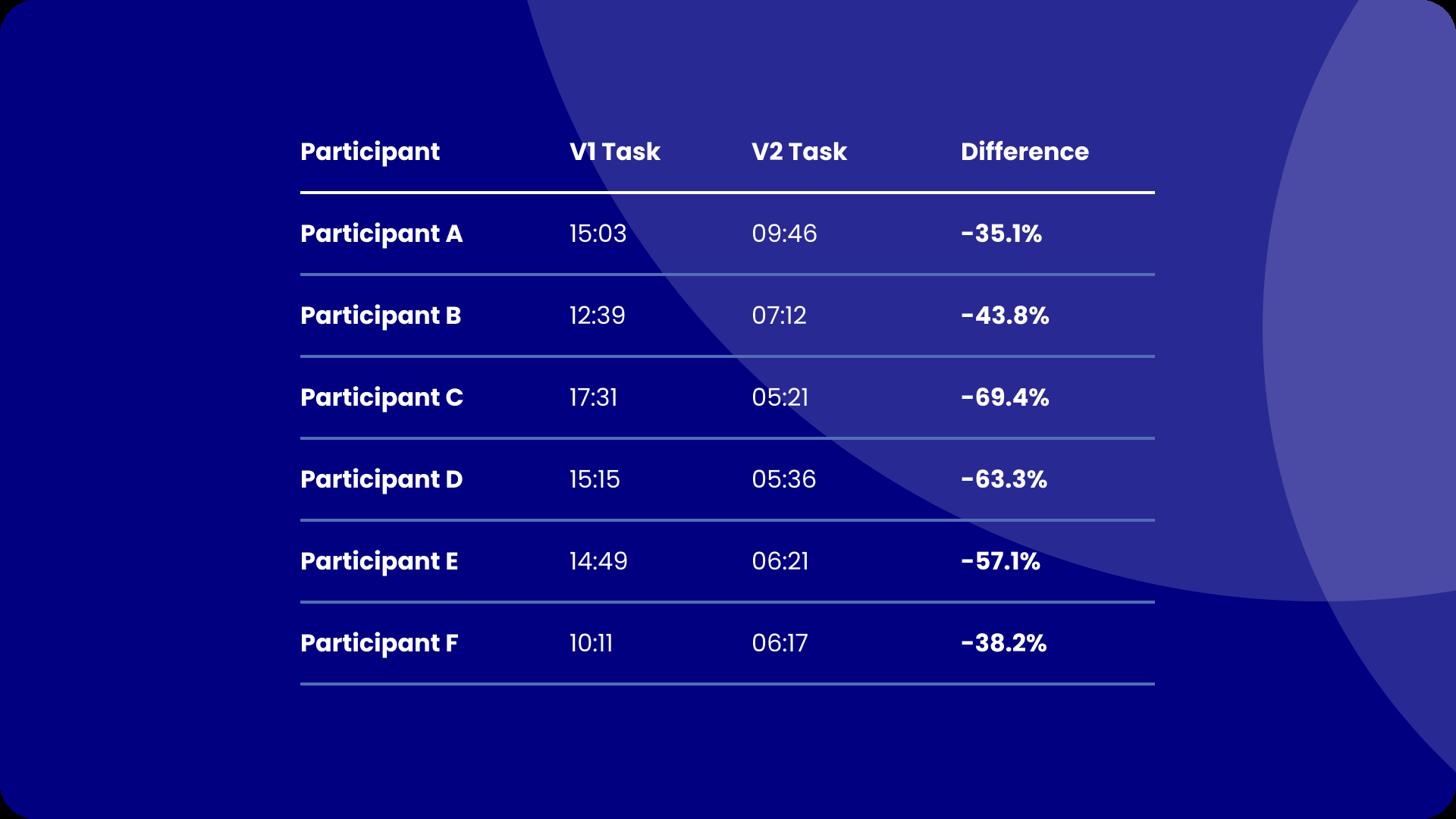
6 designersTo measure how much quicker it was to build with the new system, I ran timed tests: each designer built the same full page from scratch twice, once with the existing Design System and once with the new one.
51.2%
Across six designers, building the same page with V2 instead of V1. Every one was faster, saving between 35.1% and 69.4%.
Increase Figma proficiency
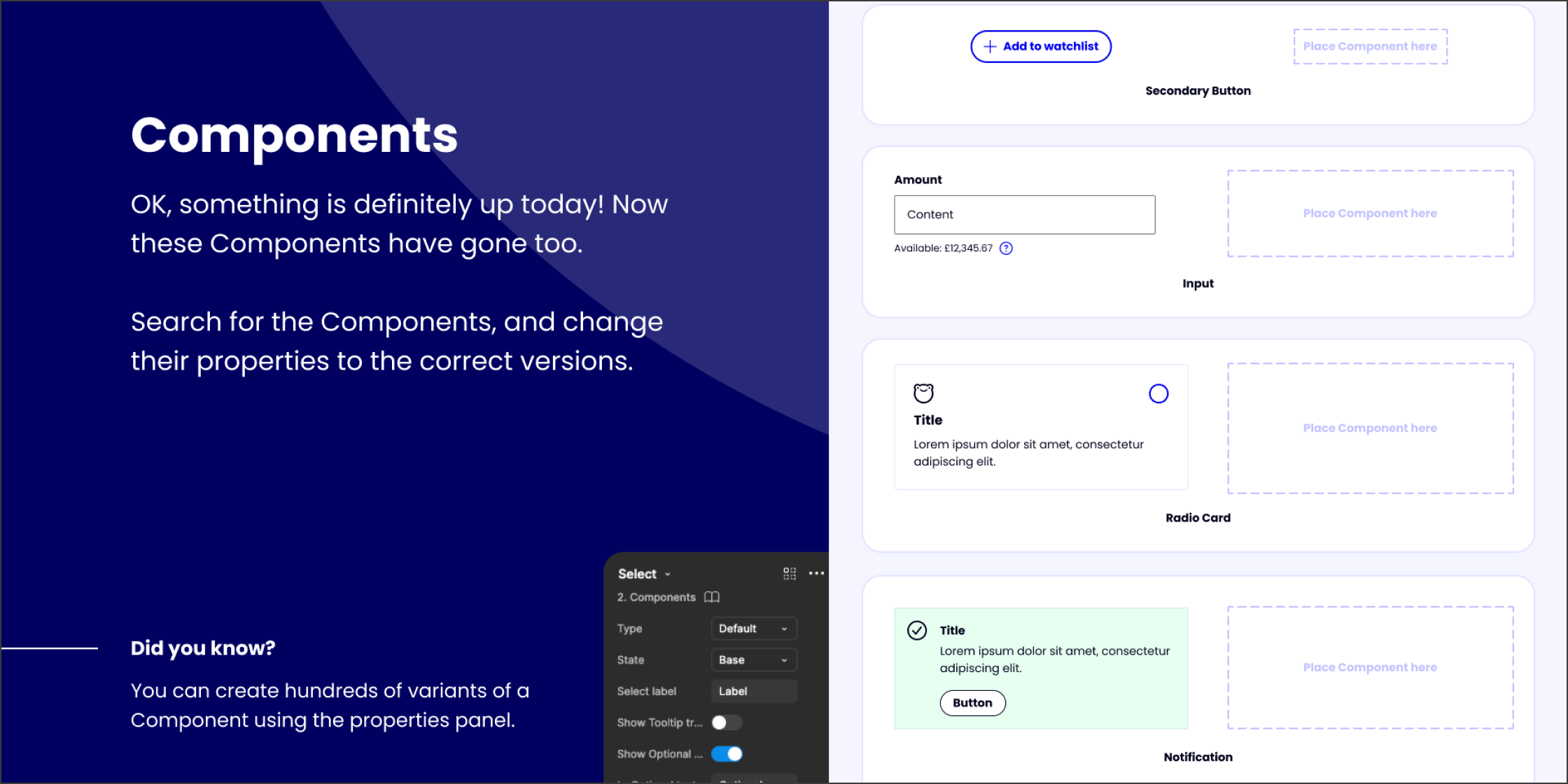
As part of my role, and due to my strong background in UI Design, I was tasked with upskilling the team to ensure they used Figma to its full capacity, as well as keeping the team informed about the latest updates and features.
Establish a dedicated squad
A dedicated Design System team would enable the teams consuming the Design System to focus on implementation rather than struggling to add and maintain Storybook themselves.
Provide a business case for team
To get buy in from the executives and stakeholders for the creation of a dedicated Design System team, I ran multiple tests to compile data on efficiency and cost effectiveness, and numerous presentations on the results.
Detailed ticket creation
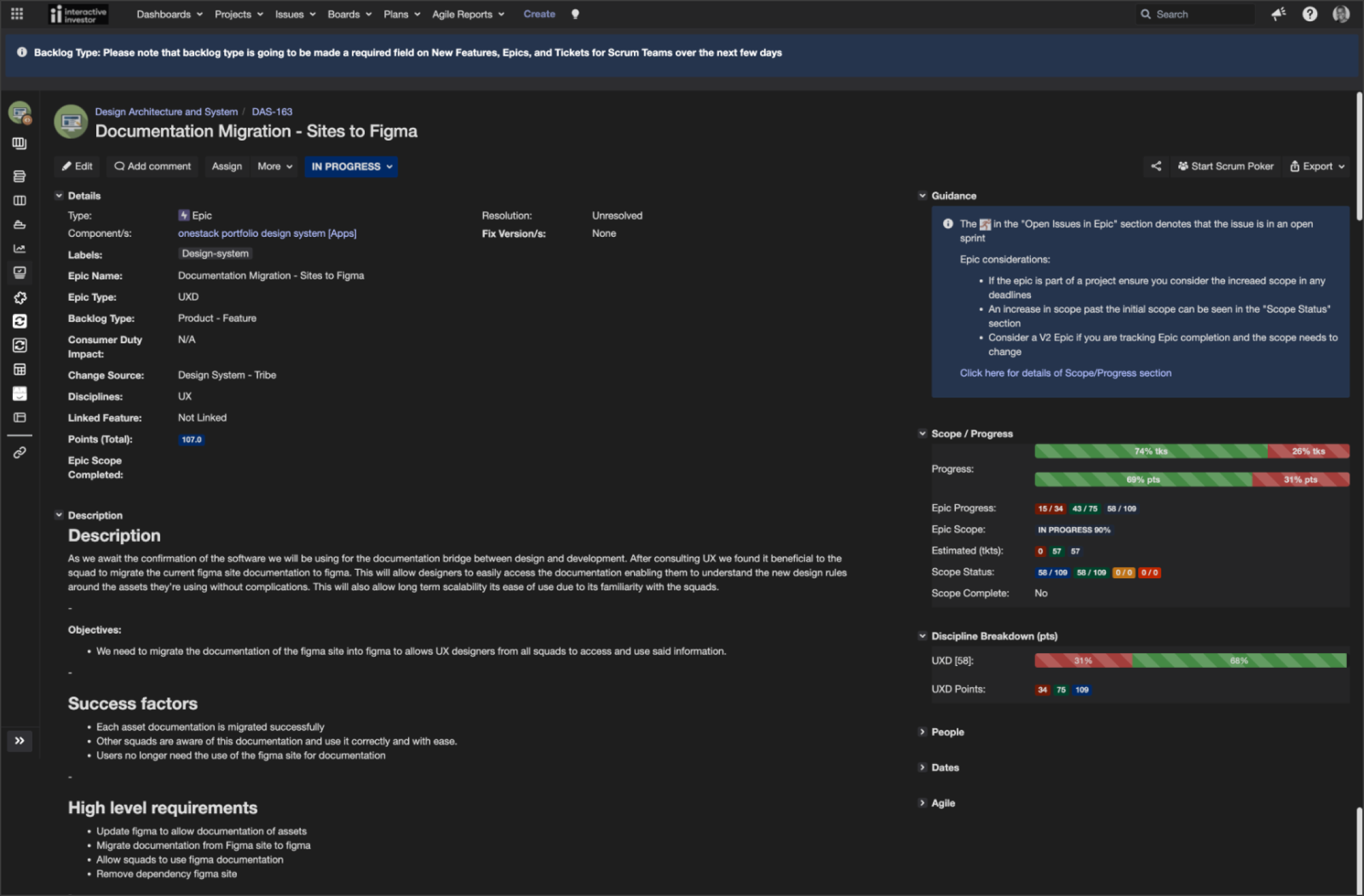
To ensure there was a comprehensive backlog of work for both Design and Engineering, I worked closely with the team’s Scrum Master to create detailed tickets which showcased the depth of work required.
Component request workflow
To ensure that we didn’t go back to the previous way of working where anyone could add components to the Design System, I implemented a request workflow.
This helped establish the expectation that any new addition needed true rationale, and had to solve a purpose not already solved by existing Design System assets.
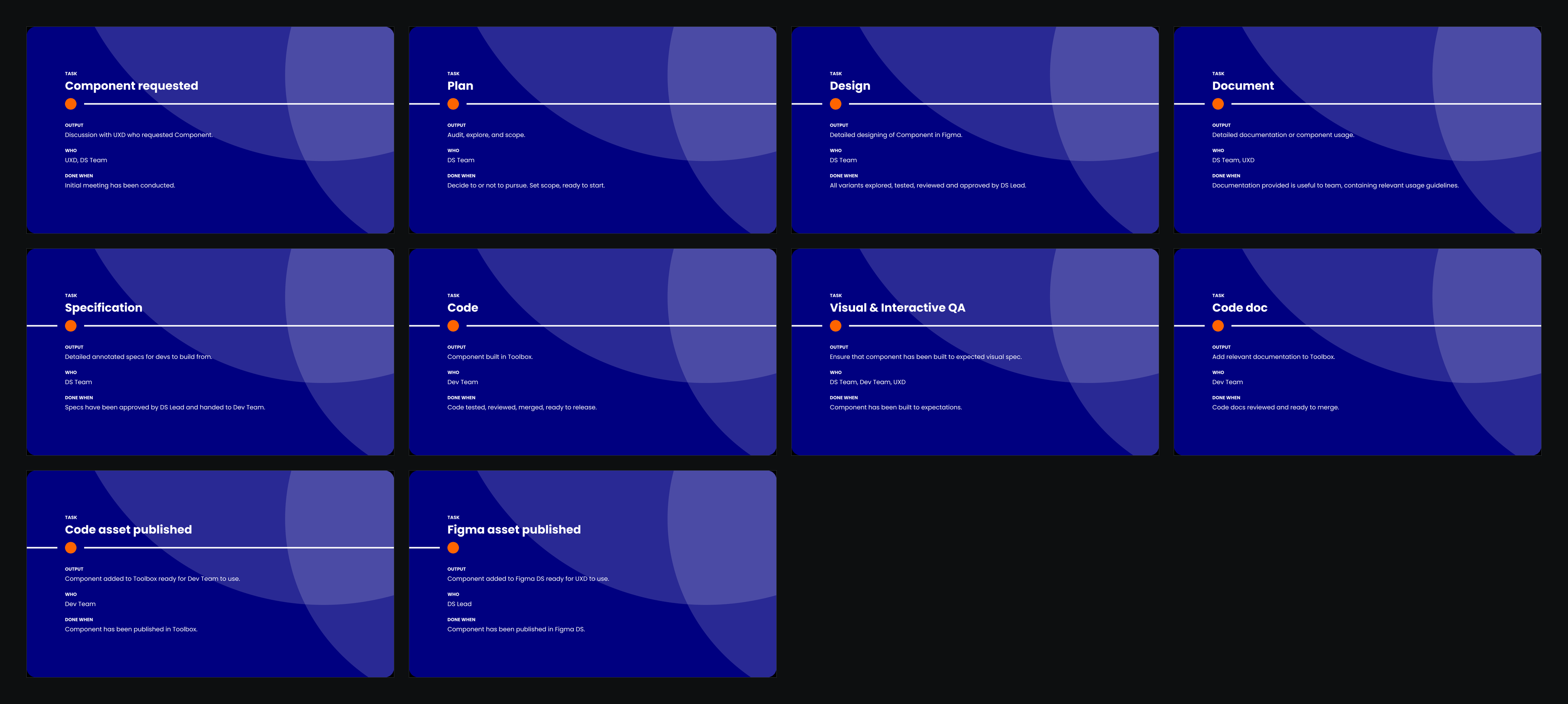
Multi-stage workflow
The workflow was tweaked multiple times to ensure that it added just the right amount of friction. This helped to reinforce the expectation of using existing assets first.
Ticket backlog
All requests were assessed and I ran meetings with the requestor and their team to understand the need for the new asset and advise on the next steps in the process.
Before, designers often left work in progress or unfinished assets in the Design System, so nobody could be sure what was live and safe to use. The workflow made the status of every addition visible, with the rationale behind it, from the first idea to publishing in Figma and code. It also meant the Design System team became the main contributors, so new assets were built consistently. Open the panel to step through each stage.
Beyond Figma
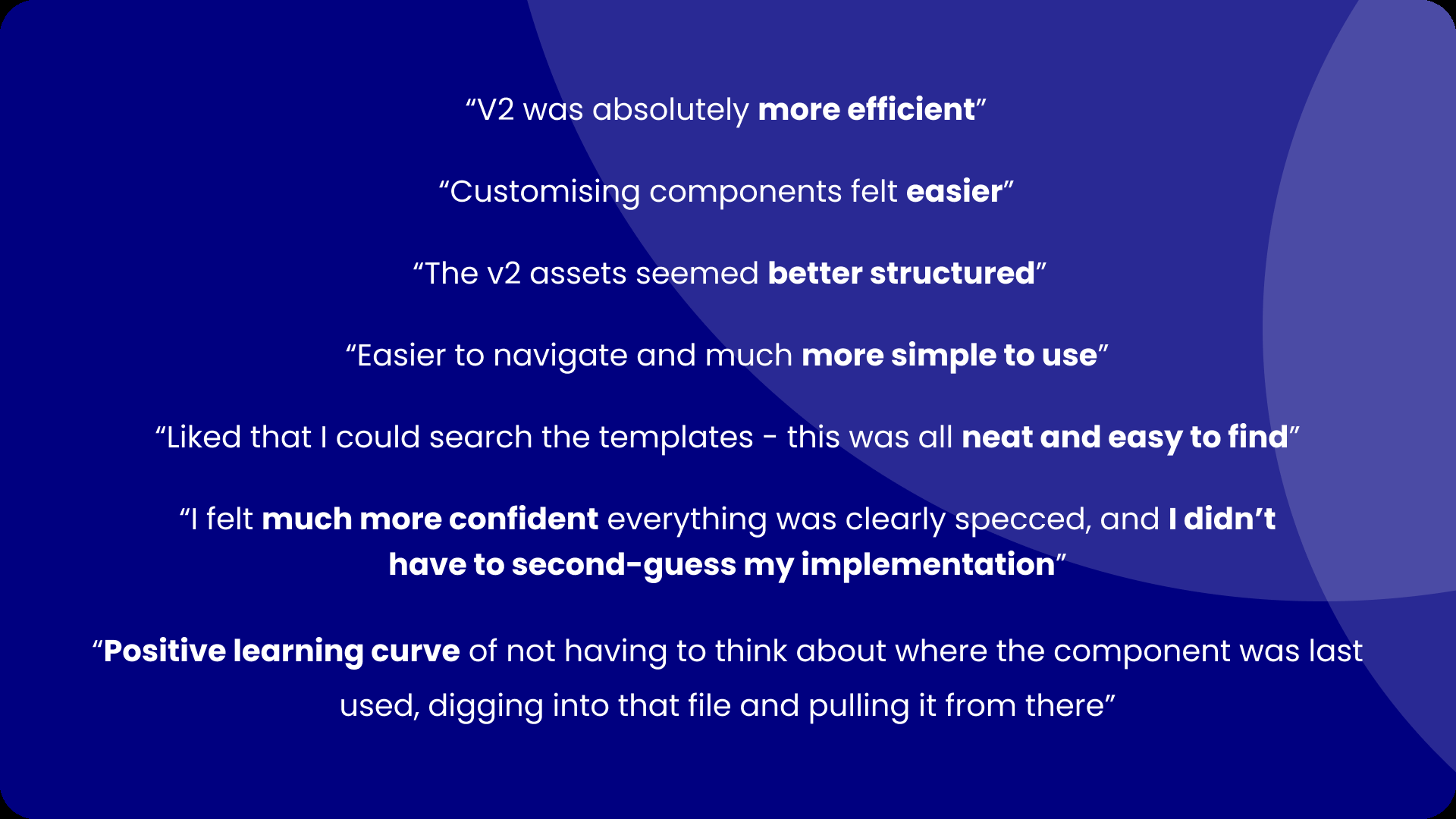
The rebuild made the Design System something people enjoyed using. Designers felt more confident, without needing to detach components to fit what they needed. Developers actually enjoyed looking at the pages, where before they’d been put off by the confusing structure and how it looked.
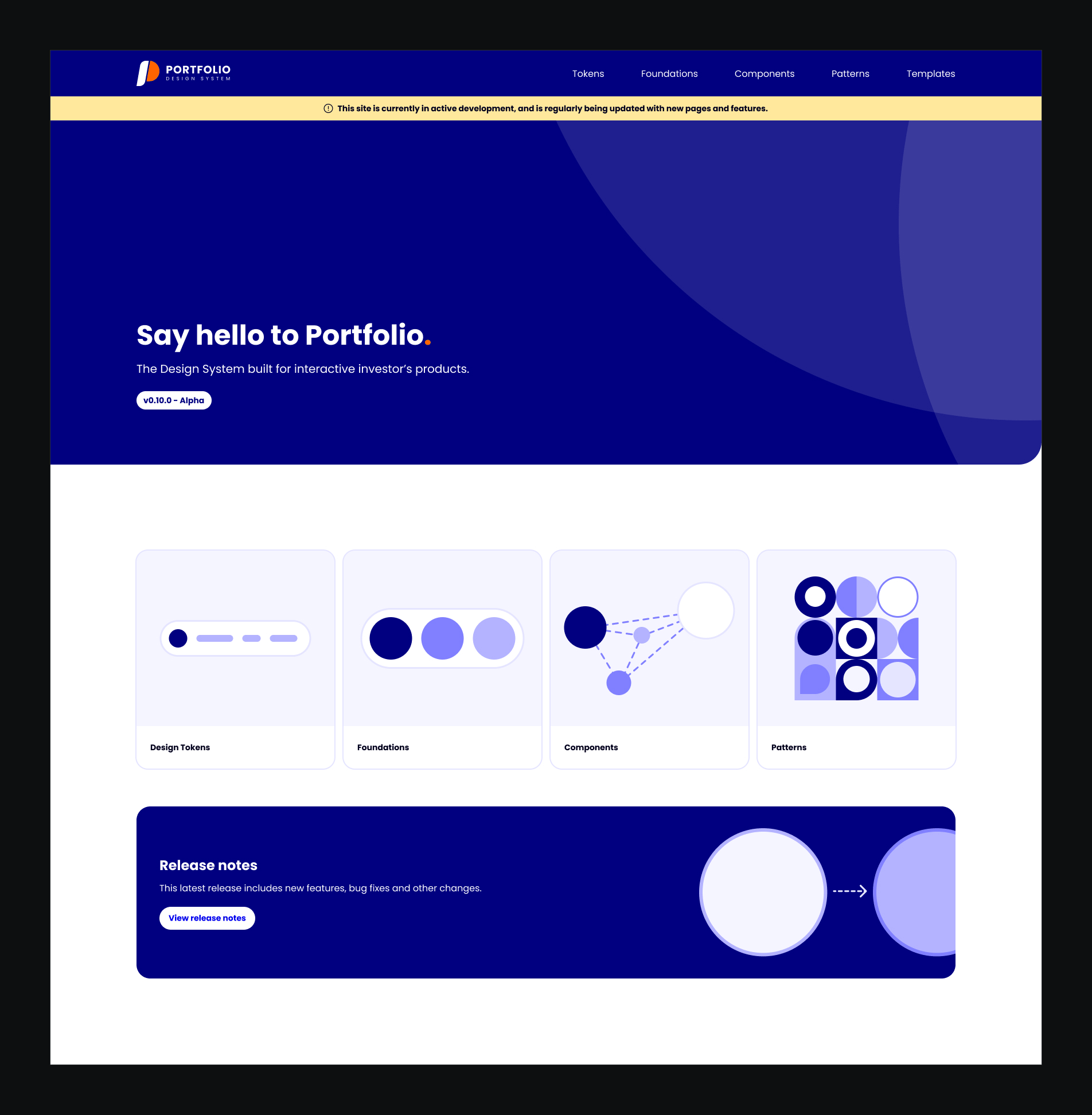
It also brought developers closer to the Design System, and led to a project to bring the Storybook library in line with it. Using Figma Sites, I built an internal Design System site as the middle ground between Figma and Storybook, now used by departments across the company.
The outcomes
6 recordedThe results of a closer relationship with the Design System users, simplification of the structure and composition of the Design System and its assets, and the building of a dedicated Design System team to take the management of the Design System away from the collective.
Result
A Design System which made it easier not harder for Designers and Engineers to do their job.